ToolFlow / Shipped iOS & iPadOS app
Everyday tools.
One native app.
73 native tools for iPhone and iPad: convert units, scan QR codes, calculate, and work with documents in 13 languages. Core tools work offline and process data on device.
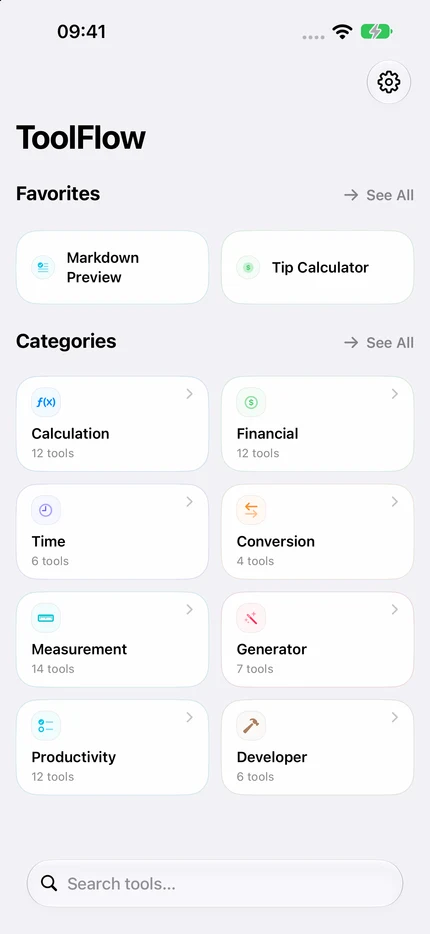
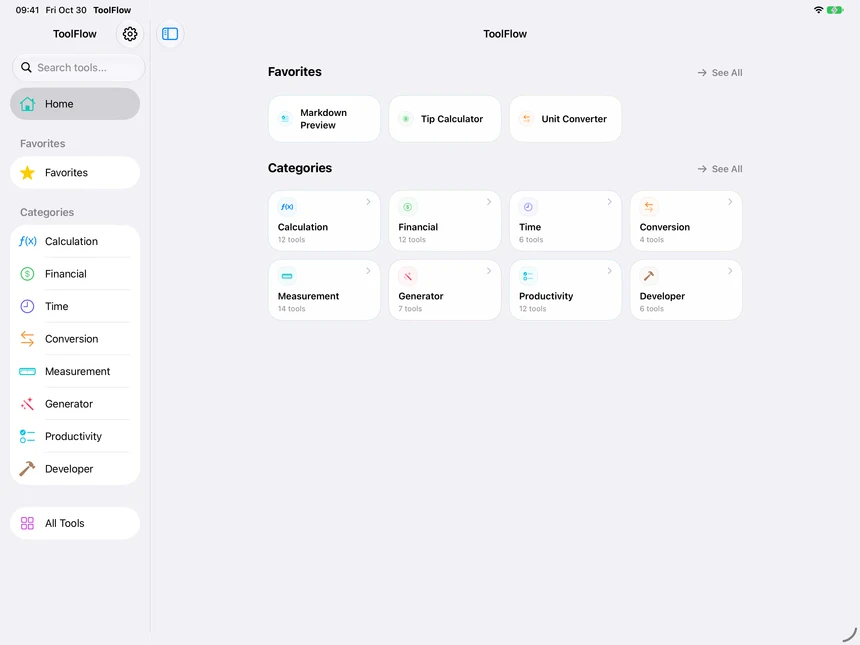
I build ToolFlow independently, from product decisions and SwiftUI implementation to QA and releases.
Swift · SwiftUI · SwiftData · App Intents
View on the App Store (opens in a new tab)Unit Converter · Captions and transcript
Delivery case: accessible unit selection
Unit selection that scales with text.
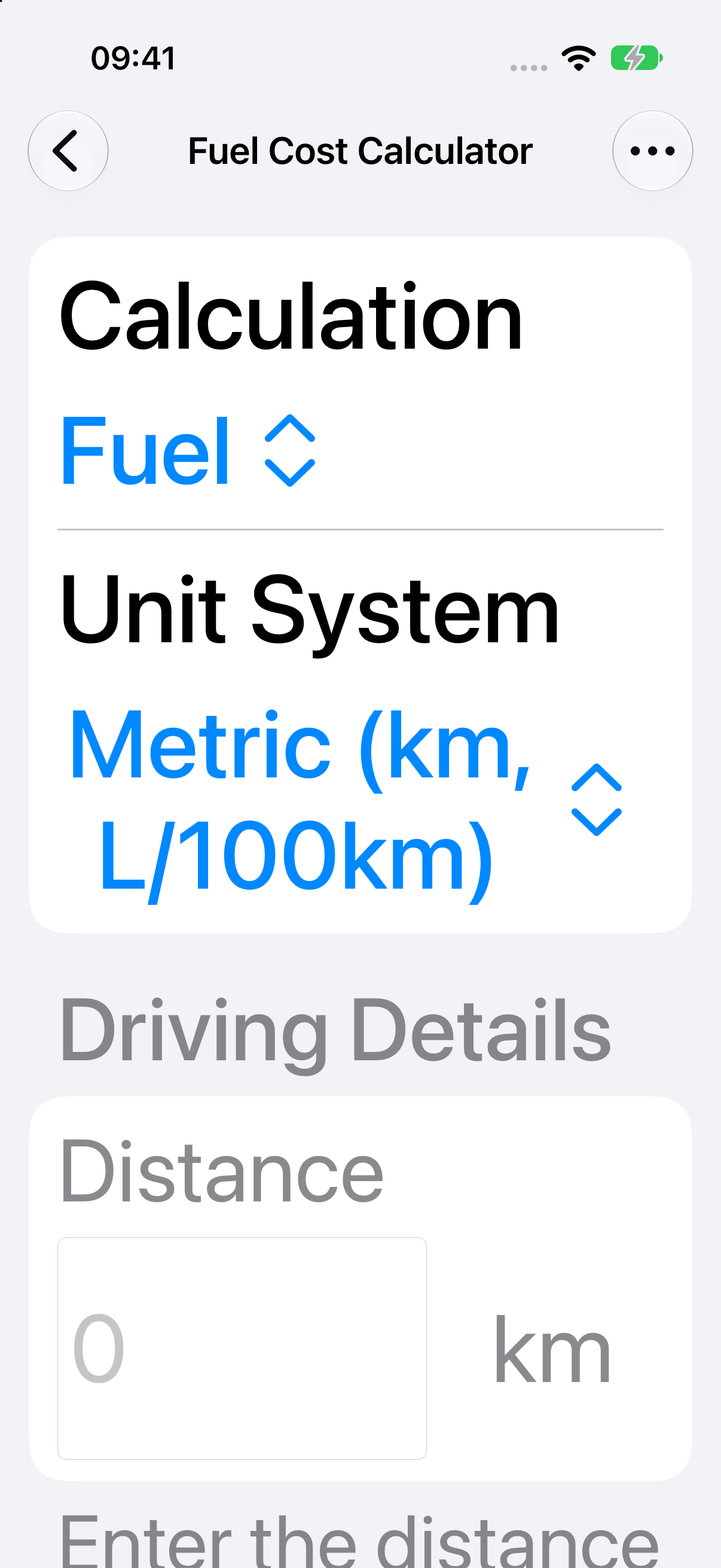
Requirement. Fuel/EV unit selection must remain readable and tappable at the largest text sizes on iPhone and iPad.
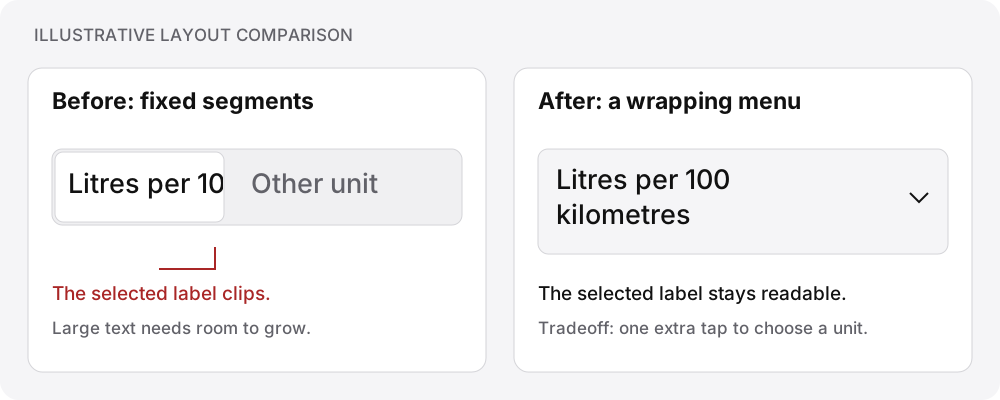
Review finding. Independent AI review caught a clipped unit title and value in the narrow iPad accessibility layout.
Decision and tradeoff. Keep standard-size segmented controls. For accessibility sizes, place the full wrapping title and selected value inside a native menu’s tappable label, with a 44-point minimum value area. The menu keeps larger labels readable and requires an extra tap to choose a unit.
Verification. Simulator checks covered unit selection, retained choices after switching to EV, and complete English and Arabic labels. Independent correction review found no remaining actionable issue.
Released result. The correction shipped in ToolFlow 1.1.7 on September 27, 2026. View App Store version history (opens in a new tab).
These checks cover simulator behavior. I retain responsibility for physical-device QA and App Store submission.
See the result
Convert feet to metres.
A short, silent recording from ToolFlow. Play the demo or follow the steps below.
Video transcript
- 00:00
Choose Feet (ft) as the input unit.
- 00:05
Enter 5 with Meters (m) selected as the result unit.
- 00:06
Read the result: 1.5240 m.